A quieter material study
Replace the courtyard with a pale studio backdrop and retain only the sculpture, a shallow pool and soft side light.
Build an editorial or campaign concept from words. This example combines one sculptural subject with a reflecting pool, weathered stone and warm sunset light. Separating subject, setting and lighting makes the prompt easier to refine than a long list of aesthetic adjectives.
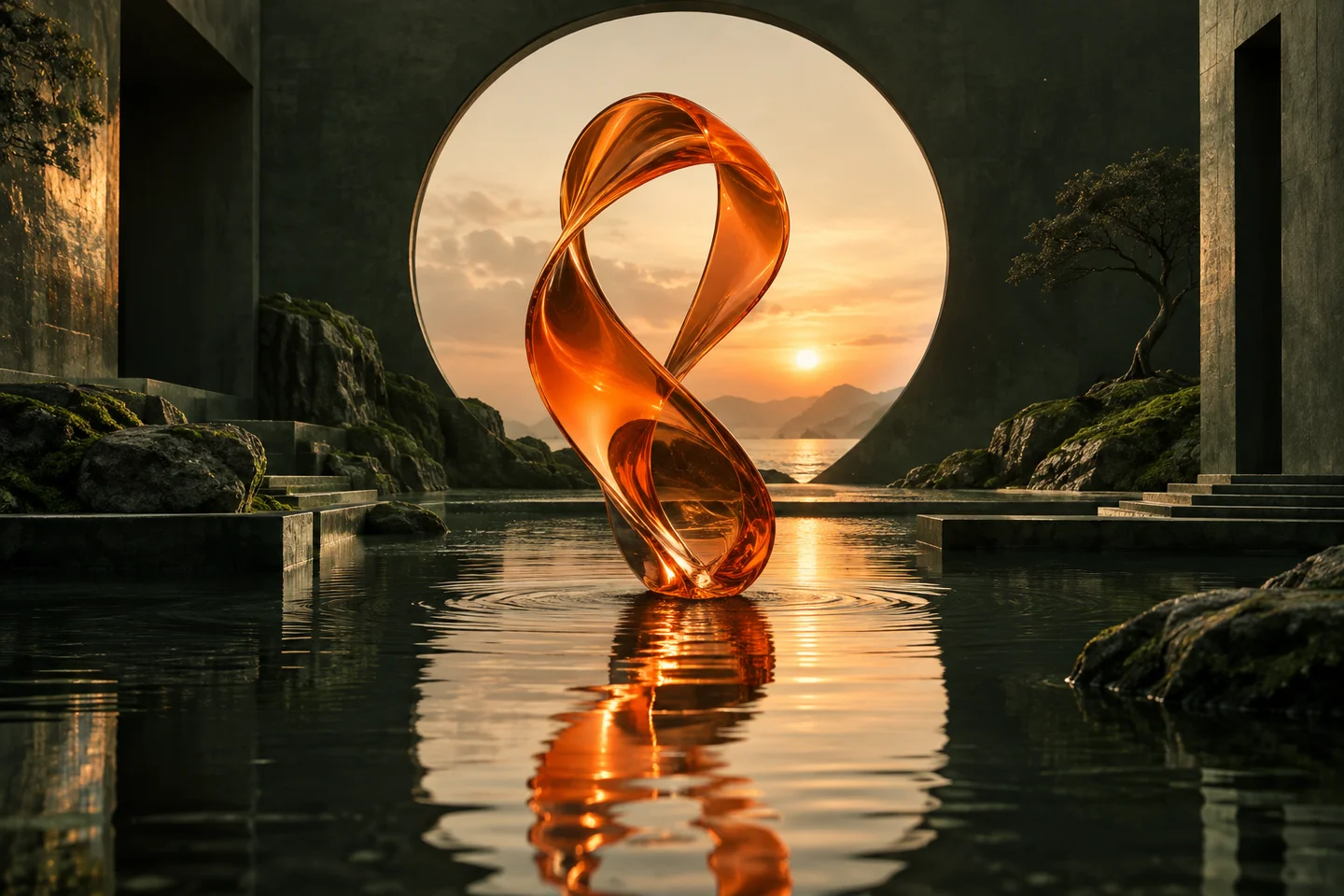
No reference upload is required. Decide where the image will be used: a wide cover, a square social visual or a vertical composition. This preset opens Seedream 4.5 with a wide 16:9 composition and 2K output; you can change the model before generating.
Opening the preset uses no credits. Review the prompt and quote before generating. A signed-in account, active plan and enough credits are required. See plans.
Edit this brief for your own subject. It is a set of instructions to try, not a guarantee that every detail will be preserved.
An elegant twisted orange glass sculpture standing in a shallow reflecting pool inside an overgrown stone courtyard. A large circular doorway frames a glowing sunset. Moss-green walls, warm peach light, realistic glass caustics, quiet cinematic composition, wide landscape image, no people or text.
Describe one twisted orange glass sculpture. Keep its material and silhouette clear before adding more objects.
Place the sculpture in a reflecting pool and use a circular doorway behind it. Describe where the light comes from so reflections have a direction.
Try a different glass color, softer light or more negative space. Keep the rest of the prompt constant so you can judge what changed.
Replace the courtyard with a pale studio backdrop and retain only the sculpture, a shallow pool and soft side light.
Place the sculpture on the right third of the image and request uncluttered dark stone on the left. Do not generate headline text.
No. It is concept artwork illustrating the prompt direction. The preset opens Seedream 4.5, but we do not present this artwork as a verified output or a quality comparison between models.
Compare settings and credit costs, then test a brief that matters to you. The model comparison page describes supported capabilities; it does not claim a universal winner.
Read the full image generation guide, compare model settings and credit costs, or return to all examples.
Turn a pet photo into a short AI video in Spicy Mayo. Start with a head tilt and paw movement, use H3 Max, and review markings and motion.
Explore the workflowMake a short dance-inspired AI clip in Spicy Mayo. Prepare a full-body reference, try controlled footwork, and inspect feet, likeness and motion.
Explore the workflow
