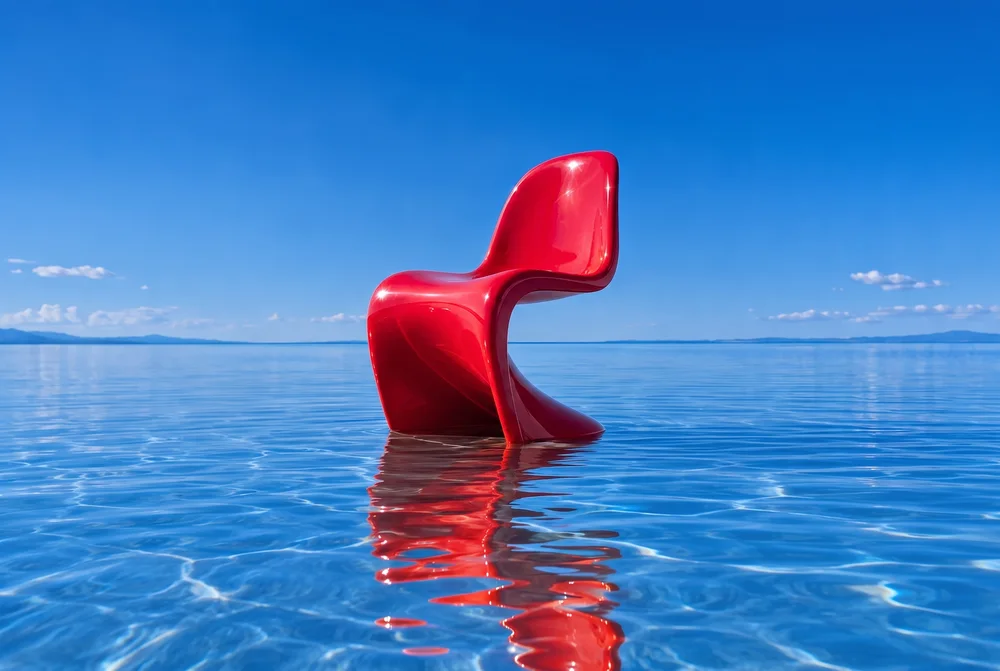
Change the color. Keep the idea.
A focused color edit from one reference image. See the full prompt, output settings, and what changed in the result.
See the before-and-after guideExplore actual studio outputs, then take a creative direction into your own project. Each workflow includes a prompt, the initial settings and the details to inspect before you share.
Real studio outputs, with the starting point and model behind each one.
A focused color edit from one reference image. See the full prompt, output settings, and what changed in the result.
See the before-and-after guideOur dragon mascot, animated with H3 Max. Start with your own character, product, or scene and describe the motion.
Watch the dragon animationTry an AI outfit change from one photo. Use a ready-to-edit prompt, choose fabric and color, and review faces, clothing edges and fit before sharing.
Explore the workflowCreate an AI product-photo mockup in Spicy Mayo with a clean background, soft lighting and a reusable prompt. Check labels and geometry before listing.
Explore the workflowUse Spicy Mayo to explore gentle AI restoration of a scanned photo. Reduce dust and faded contrast while checking reconstructed faces and period details.
Explore the workflowTry AI room restyling in Spicy Mayo. Use a warm walnut and linen prompt, preserve the room layout, and review scale, windows and perspective.
Explore the workflowTurn a pet photo into a short AI video in Spicy Mayo. Start with a head tilt and paw movement, use H3 Max, and review markings and motion.
Explore the workflowMake a short dance-inspired AI clip in Spicy Mayo. Prepare a full-body reference, try controlled footwork, and inspect feet, likeness and motion.
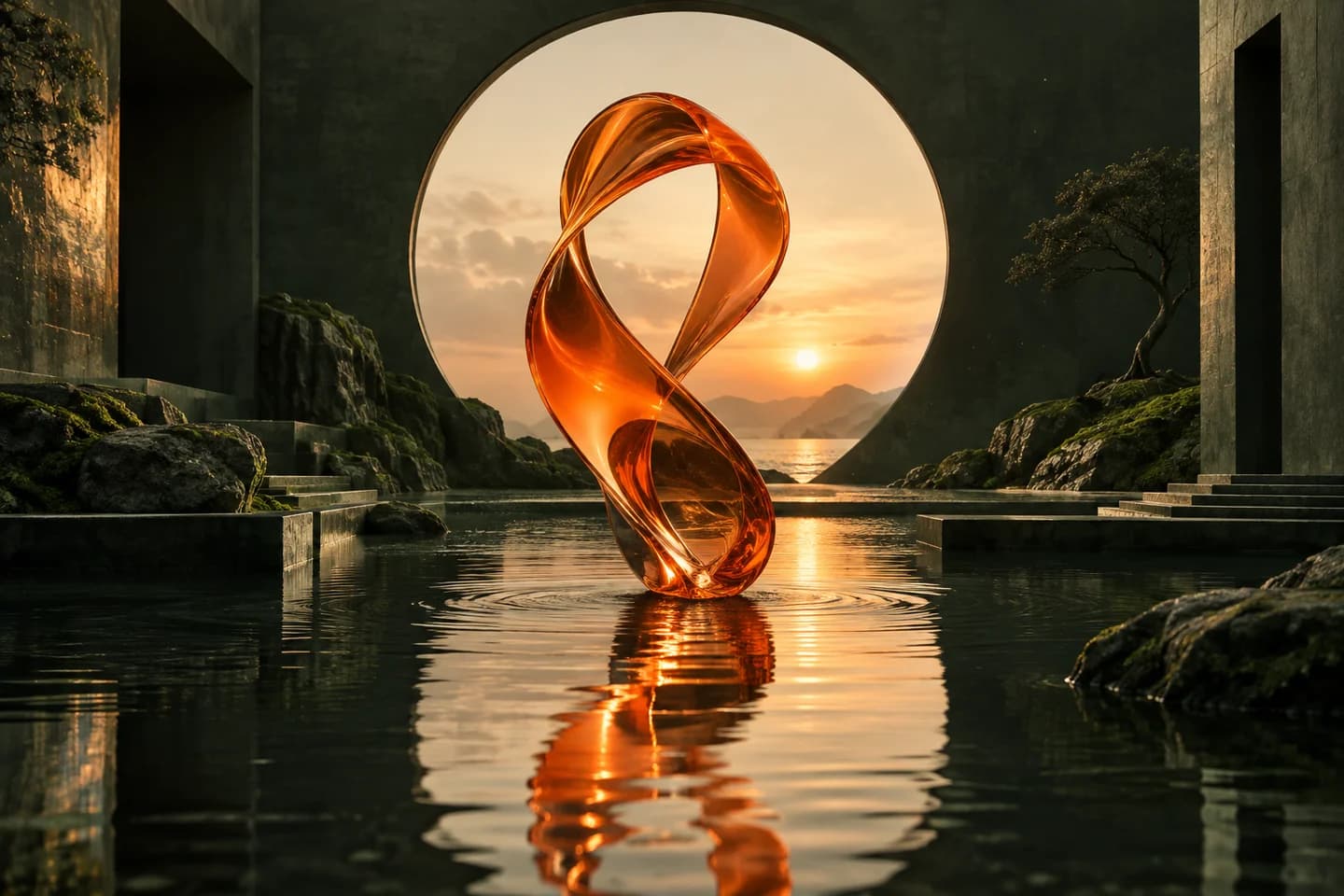
Explore the workflowCreate a glass-sculpture scene with Spicy Mayo's text-to-image workflow. Explore subject, material, lighting and composition with a Seedream 4.5 preset.
Explore the workflowThe chair color edit and H3 Max dragon clip above are recorded Spicy Mayo outputs. The workflow collection includes concept artwork and previews from our creative library; those show a direction, rather than a promise that a particular model produced the pictured result.
Explore the full creative library, compare image model settings and costs, or read the image-to-video guide.