CREATIVE DIRECTION
Give a product photo a clean studio setting
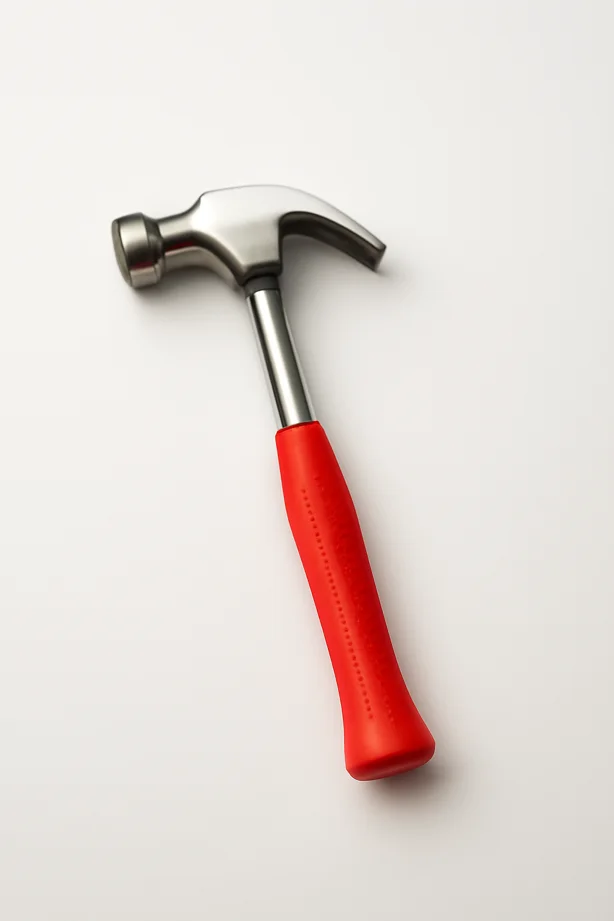
Create an AI product-photo mockup in Spicy Mayo with a clean background, soft lighting and a reusable prompt. Check labels and geometry before listing.
Explore the workflowGive your photo a different setting. Upload one image, describe the new background, and use Nano Banana Pro to reimagine the scene around your subject.
Opens a suggested prompt. Review it before generating.
Nano Banana Pro · 2K: 50 credits · 4K: 100 credits · Subscription required
Try a clean product backdrop, an outdoor setting, or a darker studio scene. The result is a newly generated image with the requested background.
Create an AI product-photo mockup in Spicy Mayo with a clean background, soft lighting and a reusable prompt. Check labels and geometry before listing.
Explore the workflowUpload a JPG, PNG, or WebP up to 4 MB. Start with a subject that is easy to distinguish from its surroundings.
Name the surface, background color, light direction, and atmosphere. Say which subject details should stay unchanged.
Generate and check hair, transparent materials, fine edges, contact shadows, and reflections. Download the result when it fits your purpose.
These are starting instructions, not guaranteed results. Change the subject or setting to fit your idea.
Replace the background with a seamless warm ivory studio backdrop. Keep the main subject's shape, colors, and details unchanged. Add a soft contact shadow and match the original camera angle.
Use this promptPlace the main subject in a sunlit Mediterranean courtyard with pale stone walls. Preserve the subject's proportions and details. Match the sunlight direction and add a natural ground shadow.
Use this promptReplace the background with a dark charcoal studio setting. Preserve the main subject and its materials. Add a subtle pool of light behind it and realistic shadows.
Use this promptPlace this product on an ivory seamless backdrop with a soft contact shadow and light from the upper left. Preserve its outline, label, surface texture, and visible color.
Before you publish: Use the same camera angle and background instructions for the next product. Compare each generated label with its source photo before publishing a listing.
Replace the busy background with a softly blurred green courtyard. Keep the person, pose, and framing. Match the light direction and use realistic depth of field.
Before you publish: Inspect hair, glasses, and the transition between subject and background. If exact cutout edges are required, finish in a dedicated masking editor.
A table photographed from above needs a background that makes sense from above. Include perspective in your instructions.
Contact shadows and reflections help a subject belong in the new setting. Specify the light direction when the original has strong shadows.
Check labels, logos, shape, and color. Generative background changes may also alter the product; do not assume every detail is preserved.
This tool generates a replacement scene. It does not provide a dedicated transparent cutout or guarantee a transparent PNG background.
Yes. Try a simple studio backdrop and request that product details stay the same. Inspect labels and shape before using the image in a listing.
With the Nano Banana Pro preset on this page, each 2K result uses 50 credits and each 4K result uses 100 credits. Nano Banana 2.1 uses 30, 45 or 60 credits at 1K, 2K or 4K. Other models have different rates. An active plan and enough credits are required.